Save and Export
Save Data
Analyzed spectra can be saved as an NMRium archive (.nmrium.zip) for further processing. The archive is a ZIP-based container that preserves the original data along with all processing and annotations — see NMRium File Format for details. Click the export button and then select the Save as (NMRium) option. Several settings control how the data is saved:
- compressed
- pretty format
- include data
Select the desired settings and click Save.
Save as an Image
NMRium can save the analyzed spectra as images in either PNG (Portable Network Graphics) or SVG (Scalable Vector Graphics) format. SVG is the best format for publications and can be further edited with tools such as the free Inkscape.
To export as PNG, click the export button and select Export as PNG in the drop-down menu. A new window appears. Depending on your preferences, you will be prompted for a destination, or the image will be saved directly to disk. The resulting PNG can be inserted directly into your reports or presentations.
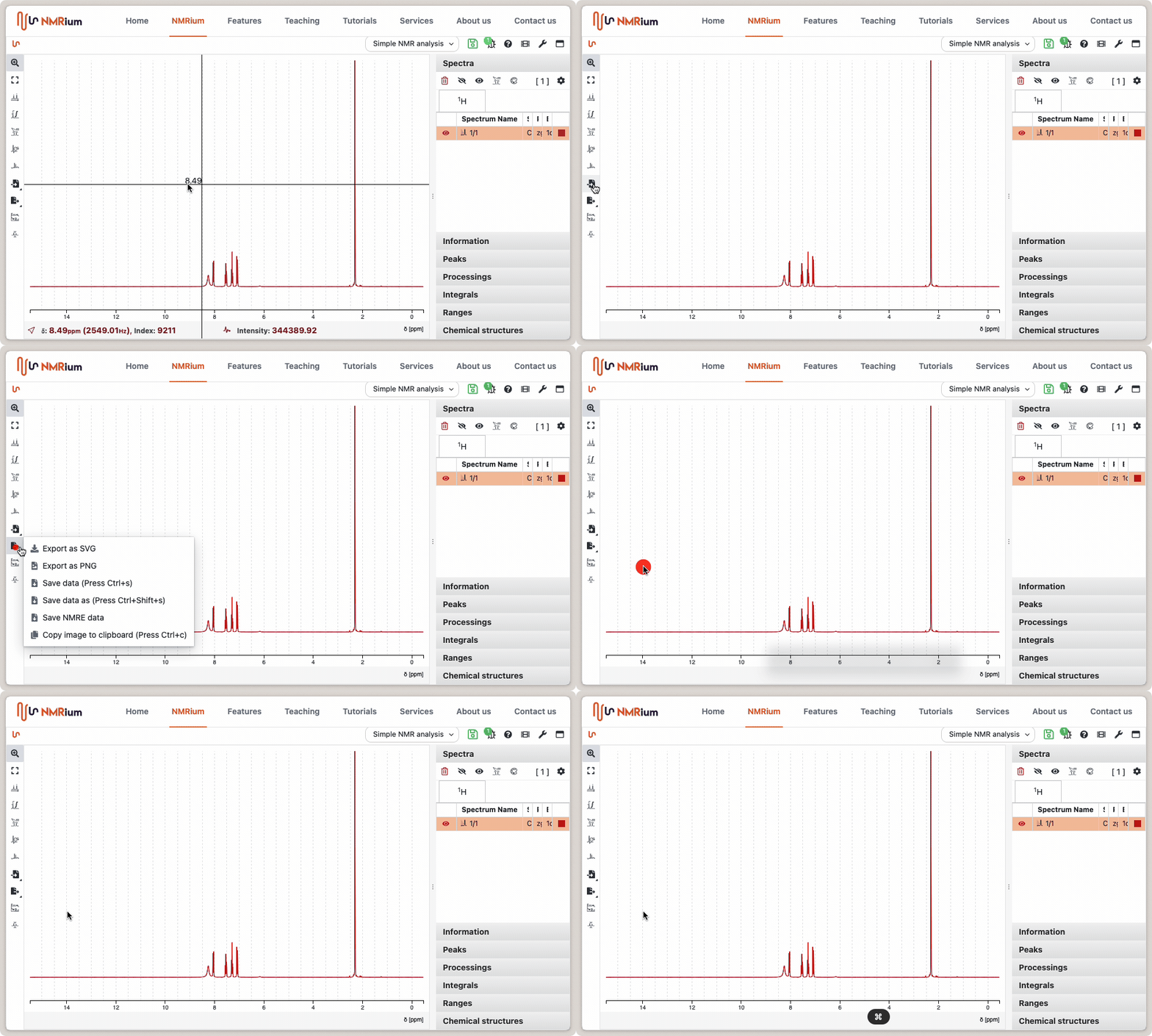
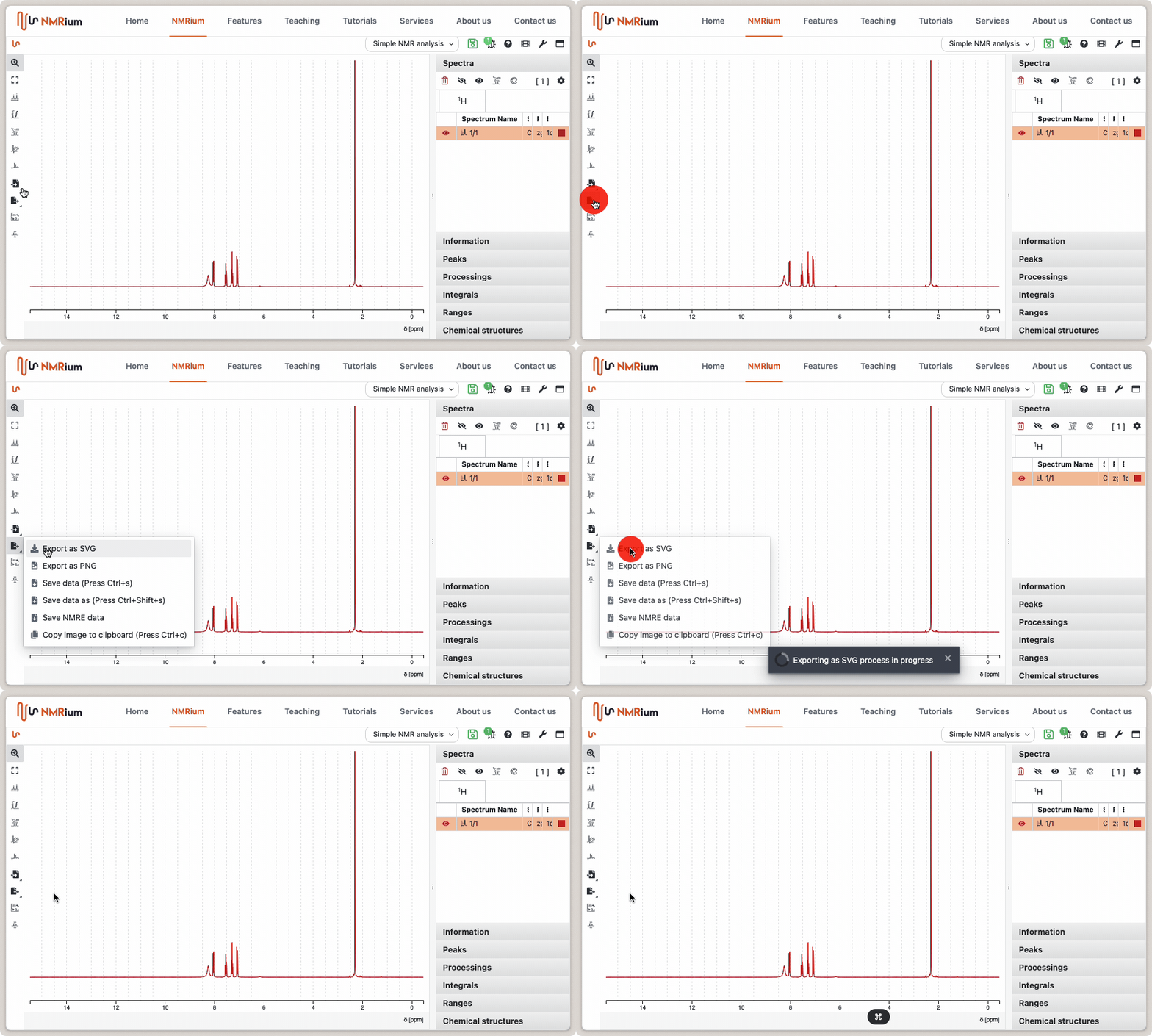
Saving as SVG works the same way.
Copy directly to the clipboard
The fastest way to create your reports is to copy the PNG image directly to the clipboard. This can be achieved through the export menu by selecting the option Copy image to clipboard.
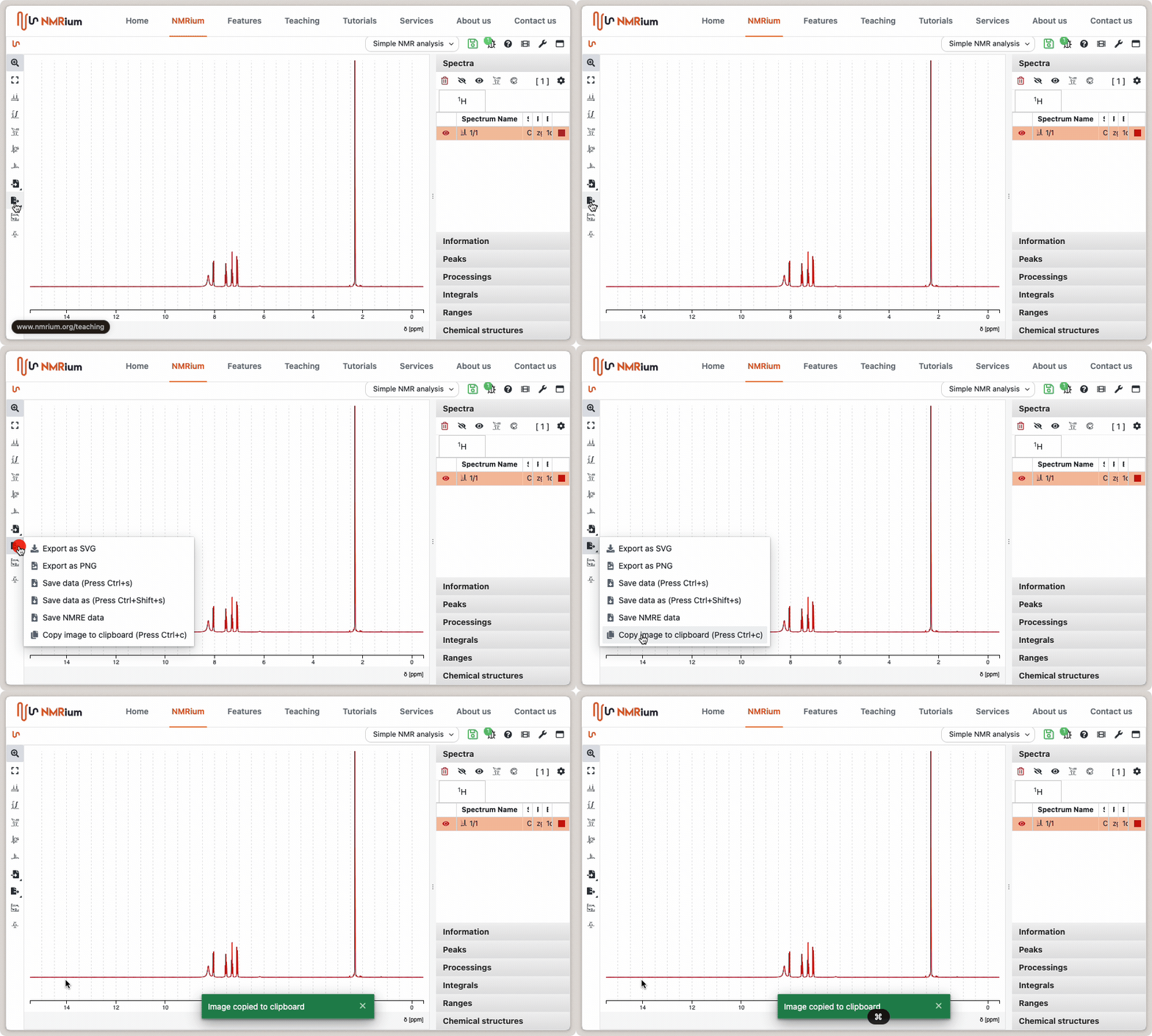
When the mouse pointer is over the spectrum, press Ctrl + c to copy it as a PNG image and paste it into other software. This shortcut is currently available only in Chrome and Edge.