Title Block
Sometimes, it may be required to display the acquisition parameters directly on the spectrum. This can be achieved through the General settings.
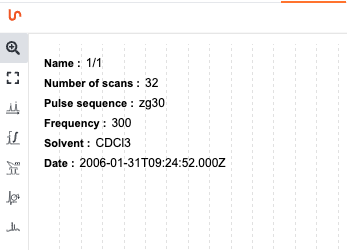
Select the Title Block tab and check the box Display spectrum info.
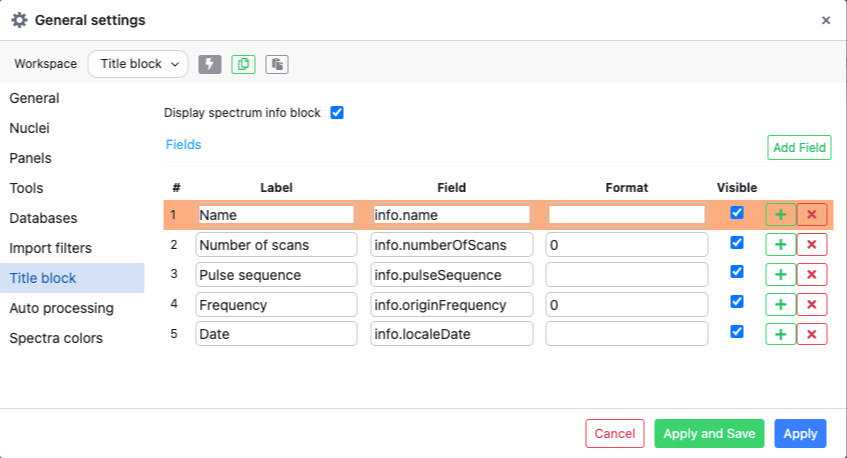
You are also able to fully customize the fields you would like to display.
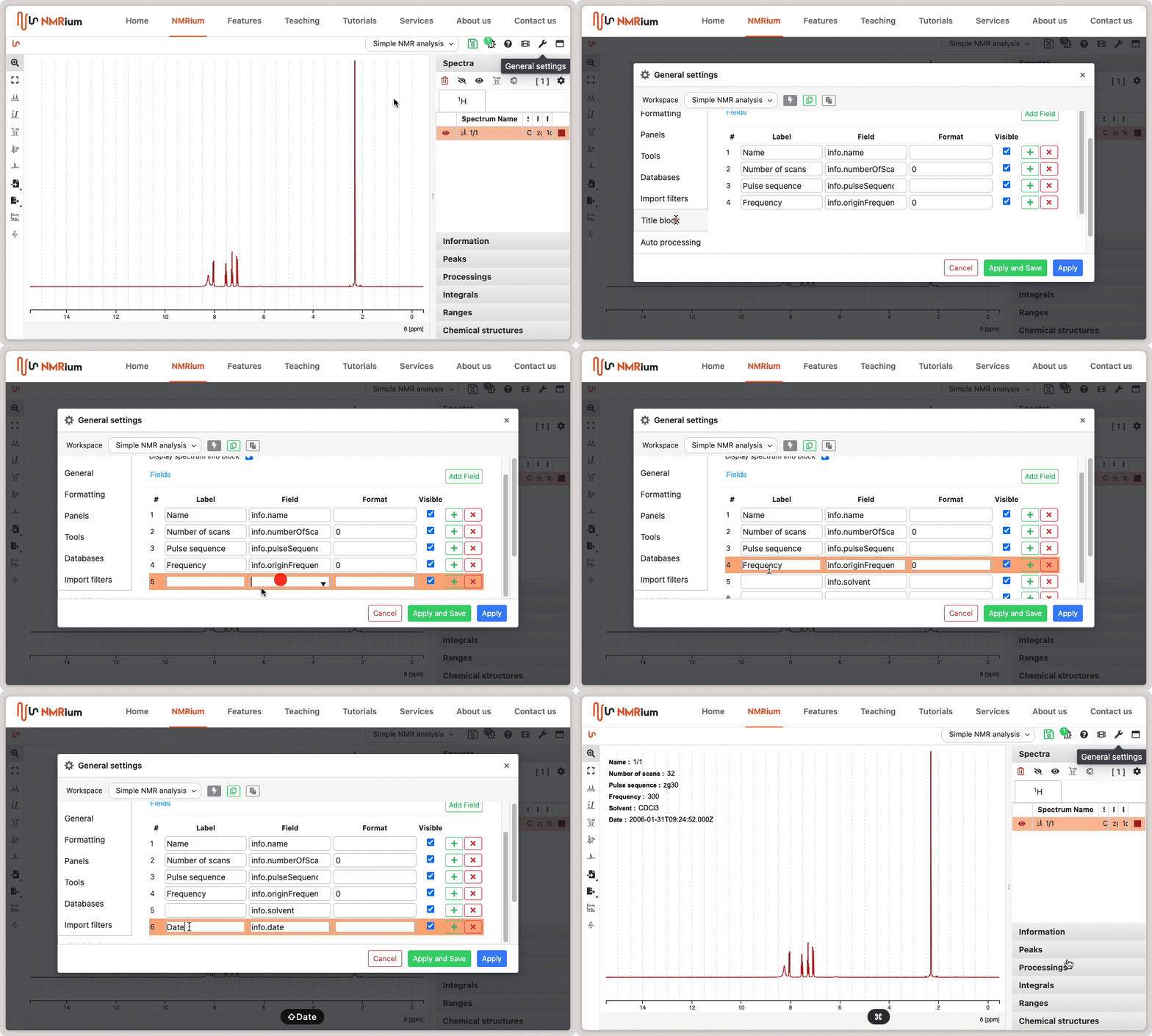
This involves adding any parameter present in the experiment. Commonly used fields include:
info.nucleus— observed nucleus (e.g.1H,13C)info.frequency— spectrometer frequency in MHzinfo.name— sample name derived from the filenameinfo.experiment— experiment type (e.g.COSY,HSQC)info.solvent— solvent usedinfo.pulseSequence— pulse sequence name
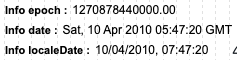
The info field contains three different dates:

info.localeDate— the date formatted according to your local preferencesinfo.date— the GMT dateinfo.epoch— the number of milliseconds elapsed since January 1, 1970
Here is an example of how those three fields are rendered:
Styling
The Styling section in General settings → Title block lets you control the appearance of both the field labels and the field values independently.
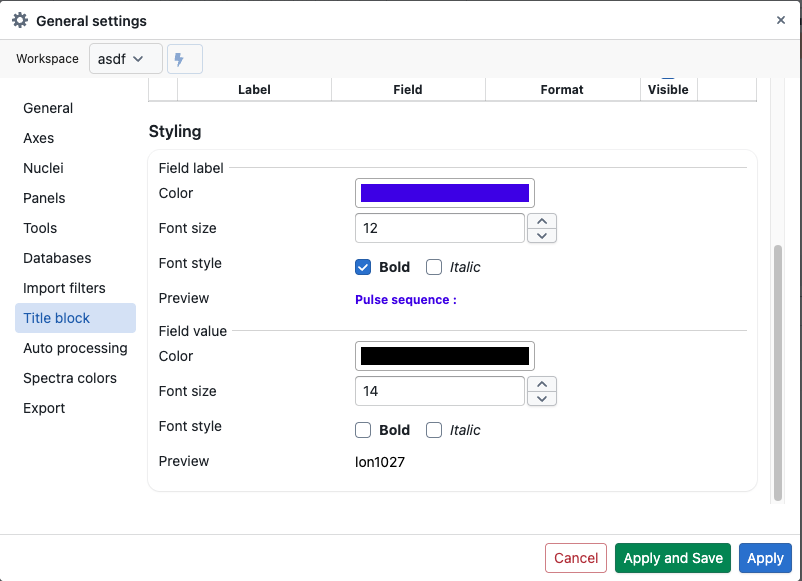
| Property | Field label | Field value |
|---|---|---|
| Color | Yes | Yes |
| Font size | Yes | Yes |
| Bold | Yes | Yes |
| Italic | Yes | Yes |
A live Preview is shown for each group, so you can judge the result before clicking Apply.
Getting the name correct
The info.name is extracted from the filename being loaded into NMRium. For Bruker folders, do not drag and drop the folder containing the experiment (e.g. 1) — drag and drop its parent folder instead.
